1,204
followers
To see who unfollowed you on Instagram without handing over your login, you use Instagram’s own data export instead of a third-party tracker. Follow Crab reads that export locally in your browser and compares your followers and following lists. Because an export is a snapshot of one moment, not a history, a single upload can show who doesn’t follow you back, but not who unfollowed you. For that, you upload two exports taken a couple of weeks apart, and Follow Crab shows exactly who left in between. Nothing is uploaded: the page’s Content-Security-Policy sets connect-src to 'none', so it physically cannot send your data anywhere. It never asks for a login or a password, and your account can’t be banned for using it, because Follow Crab never connects to Instagram. Your counts and a shareable card are free.
Real previews from real data. Tap any one to explore it live, without uploading a file.
You’ll see how many unfollowed you, your counts, and a shareable card straight away.
The names, exactly who unfollowed you, are the unlock. You don't need an account or a card to try it.
Every name: who unfollowed you, who doesn’t follow back, and your fans, plus your unwrapped stats. Export to CSV.
Works on any account.
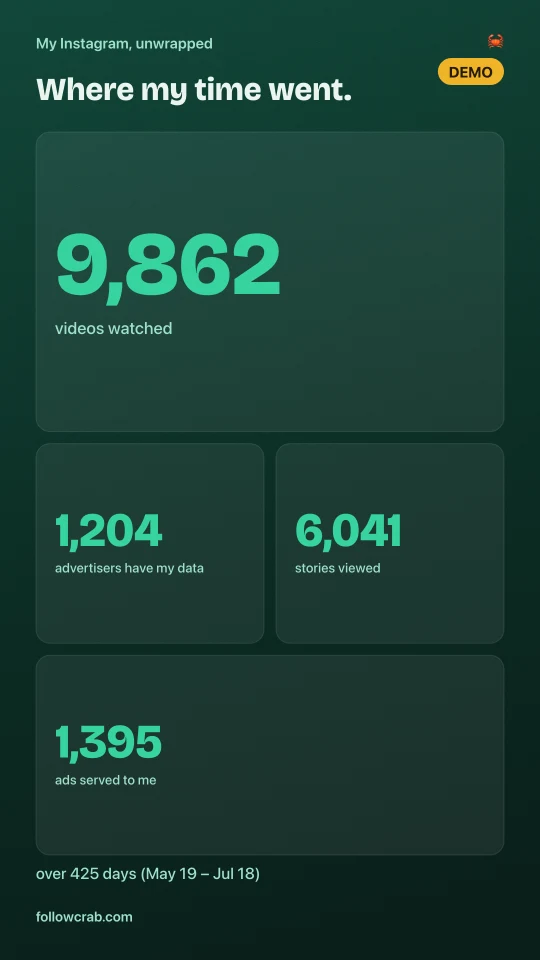
The full report + the creator media kit + the PDF with charts. The whole thing, cheapest together.
Media kit needs a creator account.
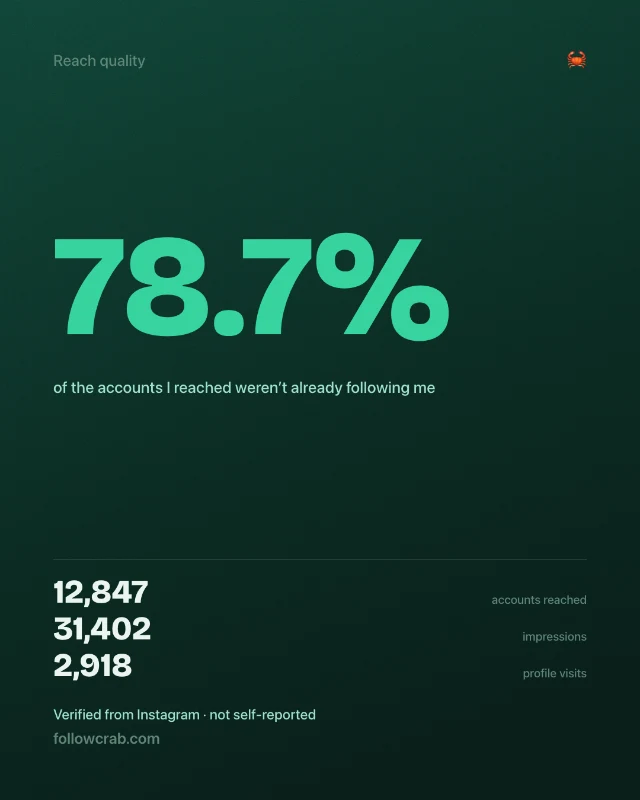
A brand-ready kit: reach, audience and demographics, as a PDF, carousel and Stories. Un-fakeable, because it comes from your own export.
Creator / business accounts only.
Free first: your counts, the unfollower numbers, and a shareable card, before you pay anything.
Accurate, or nothing. Most free unfollower tools inflate unfollows for shock value, ask for your Instagram login, or upload your data to their servers. Follow Crab does none of that. It reads the export Instagram gave you, in your browser, and shows you what is actually in it.
| What many apps do | Follow Crab |
|---|---|
| Invent or inflate unfollows so you keep re-opening the app | ✓Diffs your own export, so you can verify the numbers line by line. We can't inflate them; the data is yours. |
| Ask for your Instagram login to “automatically” track you | ✓No login, ever. We never connect to your account, so it can't be banned for using us. |
| Upload your followers, DMs and likes to their servers | ✓Nothing uploaded. A browser Content-Security-Policy blocks this page from sending any data out. |
| Sell “see who viewed your profile / stalkers” | ✓Instagram exposes no such data, so anyone claiming it is guessing. We only show what's in your export. |
Claims describe common category practices, not any single named app.
No login, no password, no bots. We never connect to your account, so it can't be banned for using us.
You use only the data Instagram officially gave you when you exported it. No scraping, ever.
Your browser reads your lists, and they never reach a server. We store nothing.
Download your own Instagram data export (Settings and activity → Accounts Center → Export your information → Followers and following, JSON), then upload the ZIP here. Follow Crab compares your followers and following lists locally to show who doesn't follow you back, and — on a repeat upload — exactly who unfollowed you since last time.
No. Follow Crab never connects to your Instagram account and never asks for your login or password. You only ever use the data Instagram officially gave you, so your account can't be banned for using it.
No. Everything runs in your browser. The page's Content-Security-Policy blocks any outbound network connection, so your follower lists physically cannot leave your device. We store nothing on a server.
An Instagram export is a snapshot of today, not a history log. To see who unfollowed you, we compare two exports taken at different times. Your first upload is saved locally as a snapshot; re-upload a fresh export later and we'll show exactly who unfollowed you in between. We won't pretend to know it from one file.
Free: your counts, how many people unfollowed you, how many new followers you gained, a preview of each list, and the shareable card. A one-time $4.99 unlock reveals every name in every list, the connection sections, and CSV export. No subscription, no account.
Your data lives on your phone and never leaves it.